Many coding agents.
One place to answer them.
Cohort is a desktop app for running coding agents in parallel. Each task gets its own agent, worktree and branch, so they work side by side without touching your checkout or each other. Whatever needs you waits in one place.
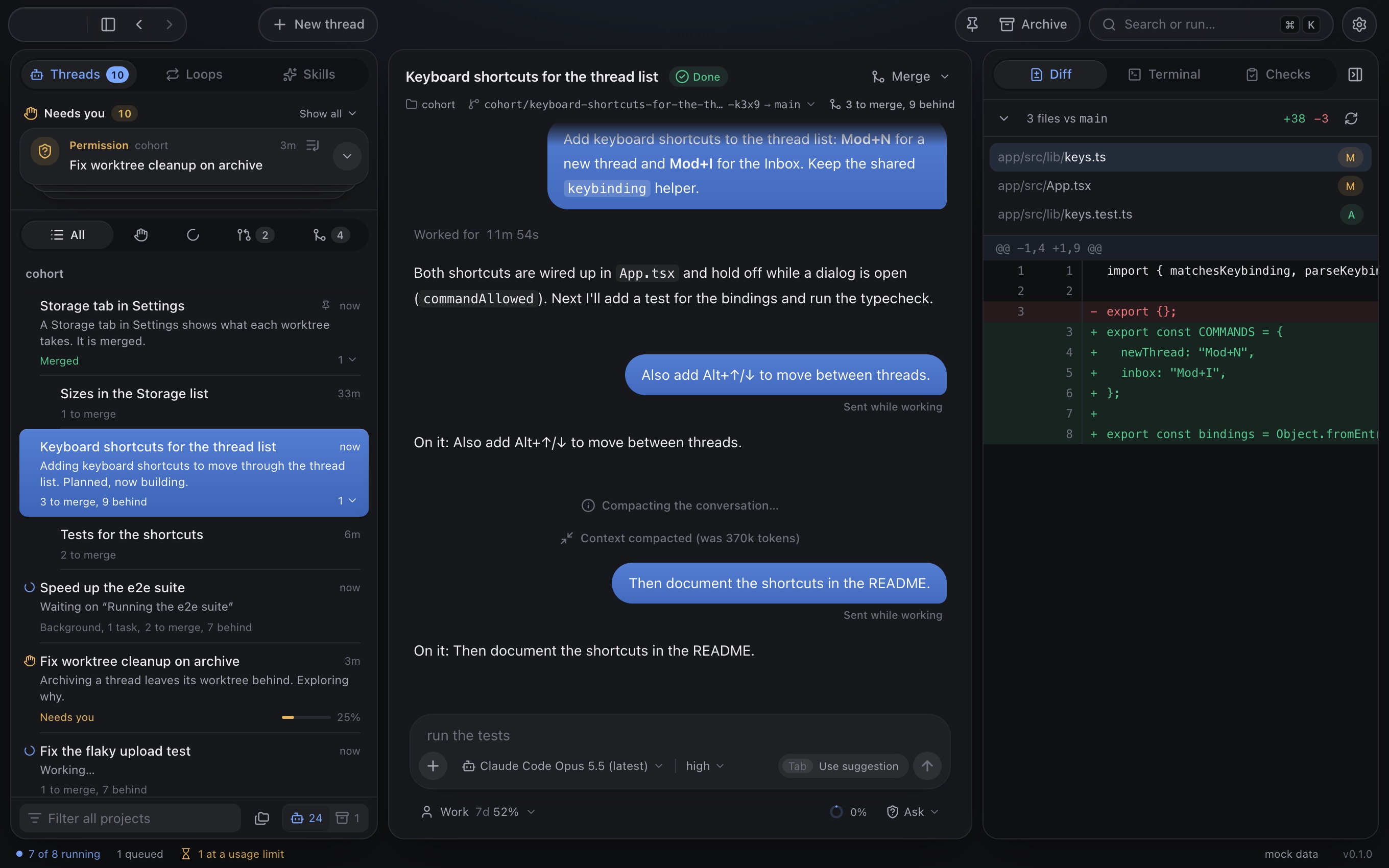
One task, one thread.
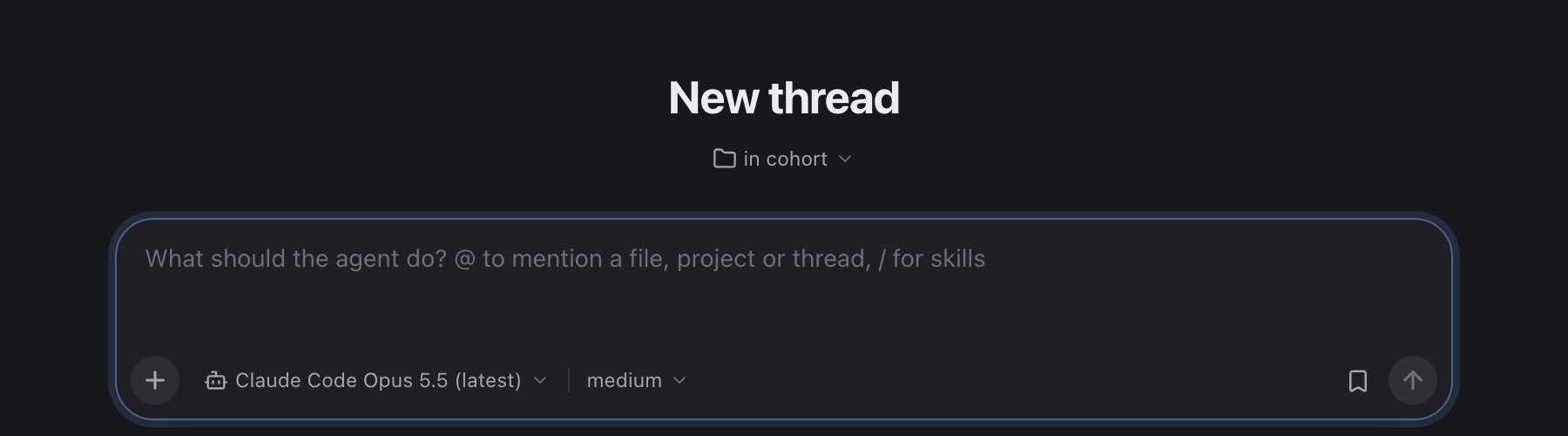
Type what you want done. Cohort starts an agent on it in a fresh worktree, on a new branch. Start the next one while it works.
- The agents you already use. Claude Code, Codex, or any agent that speaks the Agent Client Protocol, unchanged. Their settings, skills and memory work as they always do.
- Never in each other's way. Each thread has its own folder and branch. Your checkout stays yours, and no thread sees another's half-finished edits.
- Steer while it works. Type to change course mid-turn, or queue the next message for when it's done.
Every question, in one stack.
A permission, a question, a failed check or work to merge: from every thread and every project, it waits for you in Needs you, at the top of the thread list.
- Answer from the card. No need to open the thread. You always see what a command would run before you allow it.
- A notification when it counts. Cohort tells you when a thread needs you, and its icon in the menu bar gets a dot.
- Most urgent first. Permissions and questions lead, then failures, then finished work.
| Card | You can |
|---|---|
| Permission | Allow, Always allow or Deny |
| Question | Pick a suggested answer, or type your own |
| Secret | Enter it and Save. The agent never sees the value |
| Failed | Retry or Archive |
| Checks failed | Open the thread, or Archive it |
| Not merged | Merge or Archive |
From the first prompt to merged work.
Look at what each agent did, land it when it's right, and keep every project on the account it belongs to. Agents can drive all of it too, through the cohort CLI and its MCP server.
Diff, terminal and checks
Beside every thread: its diff against the branch it started from, a terminal in its folder, and the project's checks with how they last ran.
Merge, on your machine
Merge brings the branch up to date, runs the project's checks and lands the work on its target only when they pass. Undo takes it back. Cohort never pushes.
The right login for each project
Each agent uses its own sign-in. Extra logins keep a customer's work on the customer's subscription, beside your own.
Customer work, kept apart
A project can carry its own env vars, secrets and git identity. Only its threads get them, and their commits are by the name the customer expects.
Agents that hand out work
An agent can split a task into child threads, wait for them and merge their work. It can ask you a question, or ask for a secret it never sees.
Loops
A prompt on a schedule: every morning, every Monday. A run with something to show stays in your thread list; a quiet one archives itself.
Your threads, wherever you are.
Sign your computers and your phone in to the same account, and each shows the threads of all the others: one list, one Needs you stack. Everything between them is end-to-end encrypted.
From your phone
Allow a command, answer a question or merge finished work from your phone. The agents keep running on your computer.
Across your computers
Steer a thread on your desktop from your laptop, and start one on whichever machine has the project.
On a server
Run Cohort on a Linux server and it is one more machine on your account. Talk to its agents from your computer or your phone.
Your agents, your machine, your call.
Cohort runs the agents on your computer, as you, the same as in a terminal. It keeps them apart and brings what they need from you to one place.
- Your code stays put. Your code and your agents' conversations stay on your computer.
- Not another agent. Cohort has no model of its own. Your agent and your plan do the work.
- Hands off your sign-ins. Cohort never reads, stores or copies an agent's credentials.
- You decide what lands. Nothing is merged until you or your agent merge it, and nothing is pushed by Cohort.
Built for every desktop.
The same app on macOS, Windows and Linux, with the cohort command beside it.
macOS
DesktopWindows
DesktopLinux
Desktop and server
Try Cohort early.
We're letting people in gradually. Tell us a little about how you work with coding agents and we'll send you a build.
Request early access